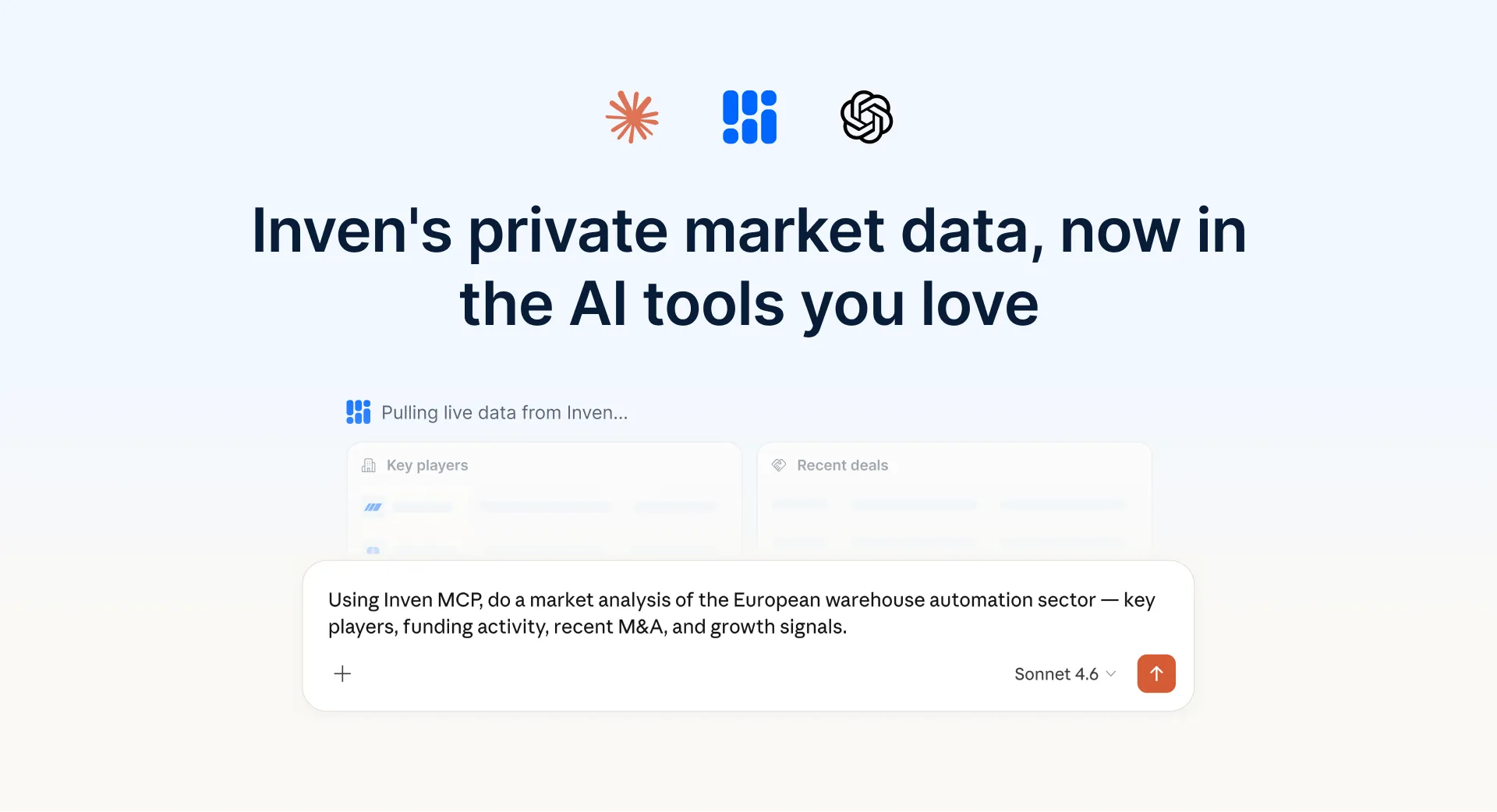
Inven Skills teach Claude recurring M&A tasks via MCP or plugin. Native work in Inven does not require Claude.
Last updated August 2026.
Inven Skills are reusable Claude workflows, via MCP or the Inven plugin, that teach Claude recurring M&A tasks in the firm's format. They are optional. Native work in Inven does not require Claude.
Definition. An Inven Skill is a reusable Claude workflow that bundles instructions and templates for a recurring M&A or consulting task, using Inven's private-company data. Skills run in Claude Cowork or Claude Code via MCP or the plugin. They are not native Inven Workflows, and they are not Claude Chat.
Author. Wen Yap wrote this Skills how-to and the live Inven Workflows article. Named quote is Kaden Bowker, Associate at Eight Quarter Advisors, already on this page. Last product-data check: August 2026.
Claude overview: How Inven works with Claude. MCP setup: Inven MCP. Native Workflows: Inven Workflows.
How do Inven Skills work in Claude?
Inven Skills bundle instructions and templates for a recurring task, then run on live Inven data. Claude picks the Skill from the ask.

"With Inven's AI-driven workflow, building buyer lists has gone from a week of work to a day or less. It helps us find the right companies, people, and emails much faster."
— Kaden Bowker, Associate at Eight Quarter Advisors
What are Inven Skills?
Inven Skills are reusable workflows that teach Claude how to run recurring M&A and consulting tasks: one-pagers, strip profiles, competitor benchmarking, in the firm's style and format. Claude picks the right Skill automatically.
Each Skill bundles your instructions and templates for a specific task. With Skills installed, Claude already knows what to do when you start each task. You do not rewrite the prompt from scratch for every project. One-pagers, strip profiles, market maps, and target lists follow the same structure for every analyst.
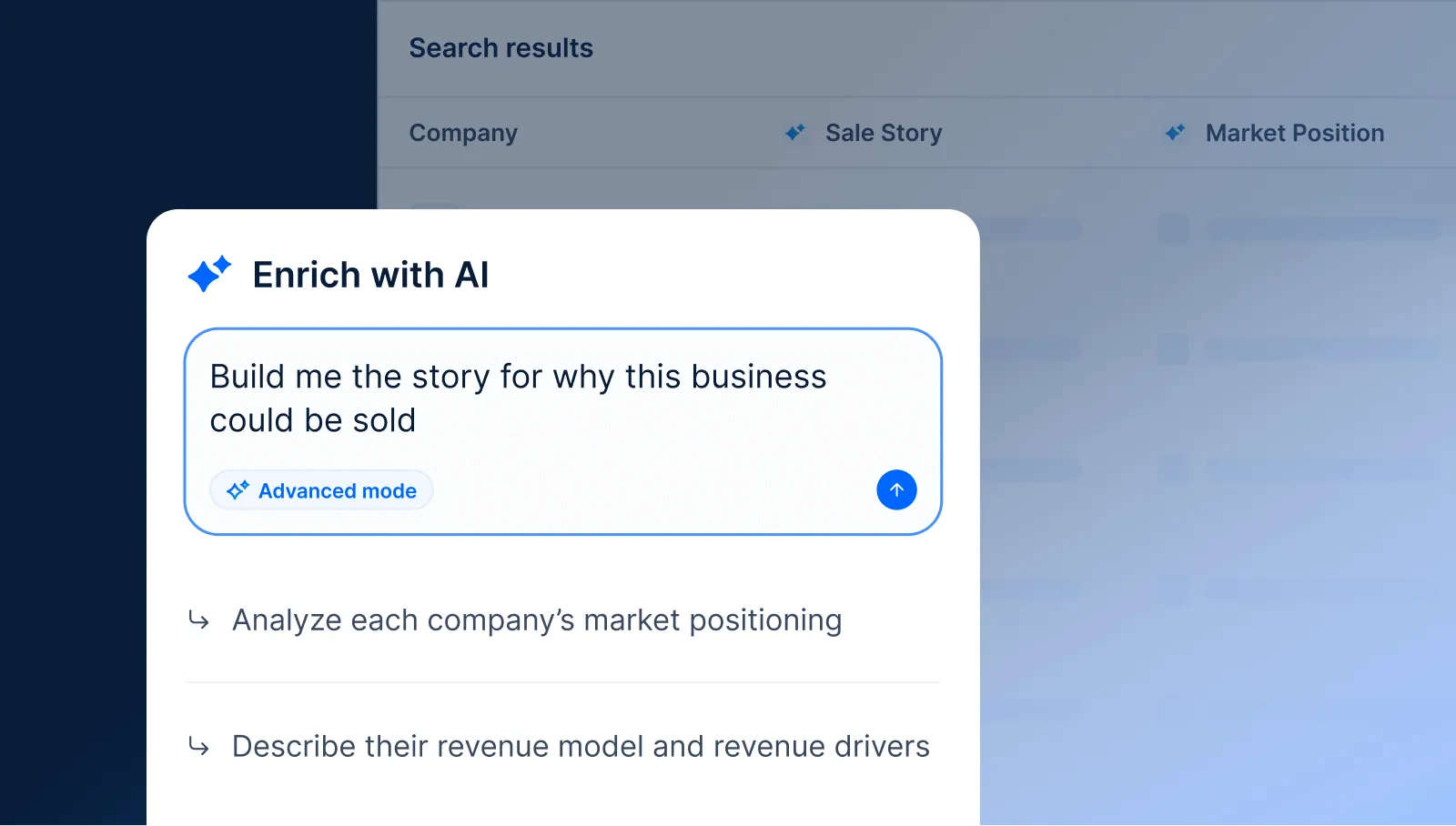
If the team does not work in Claude, use native Inven Workflows instead. The same family of tasks (one-pagers, buyer lists, market maps) runs in Inven. Build it once, run it across the firm.
What tasks can Inven Skills run?
Inven's pre-built Skills cover weekly M&A and consulting tasks: company one-pagers, strip profiles, peer benchmarking, workforce analysis, and employee turnover analysis. Start with those, adapt them to the firm, or work with Inven to build custom Skills. Too many generic Skills makes Claude less predictable.
Our first pre-built Skills are already live, including:
- Company one-pagers
- Strip profiles
- Benchmarking a company to peers
- Workforce analysis
- Employee turnover analysis
Start with our pre-built Skills, adapt them to your firm's conventions, or work with our team to create new custom Skills for workflows specific to your firm.
What's the difference between MCP and Skills?
Inven MCP gives Claude live Inven data. Skills lock the process and output format of work you repeat with that data. MCP alone is ad-hoc analysis. MCP plus Skills is the same task, same structure, every analyst.
| Inven MCP alone | Inven MCP + Skills | |
|---|---|---|
| Best for | Flexible, ad-hoc analysis and research | Recurring tasks where consistent structure and format matter across every project |
| How you use it | Prompt Claude with detailed instructions each time | Claude picks the right Skill automatically based on what you ask for |
| Output consistency | Varies with each user's prompt | Consistent across every analyst, every project |
| Setup | Connect Claude to Inven via MCP independently | Claude admin installs the Inven plugin once for the whole org |
Native Inven Workflows run in Inven with no Claude. Use Workflows when the firm wants the saved task inside Inven. Use Skills when the firm already works in Claude.
How do you add Skills to Claude?
Add Inven Skills in Inven first (Account > Skills, toggle those you want), then install them in Claude via the plugin (recommended) or via MCP. Templates apply more reliably through the plugin. Plugins work in Claude Cowork and Claude Code, not Claude Chat.
1. Add the Inven plugin to Claude (recommended)
In Inven, download the enabled Skills as a plugin: Account > Skills > Download plugin. Your organization's Claude admin needs to add the plugin to Claude from Customize > Organization plugins, then the whole team will get access to those Skills.
Future updates to Skills are not synced automatically to Claude. To update Skills, for example if instructions or templates are changed, re-download and re-install the plugin to Claude.
Plugins only work in Claude Cowork and Claude Code, not Claude Chat.
2. Via Inven MCP
Once Inven is connected to Claude via MCP (setup guide), every enabled Skill is automatically available in your Claude.
Updates to Skills are synced automatically, no re-installation needed.
How do you use Inven Skills in Claude?
Once installed, ask Claude in plain language, for example: "Make me a one-pager on Spotify in our firm's format." Claude picks the right Skill and follows its instructions and templates. If it does not, type / and select the Skill from the menu.
Claude follows the instructions and templates the Skill contains. If the right Skill does not run automatically, type / and select it from the menu to point Claude at it.
How do you get the most out of Inven Skills?
A small set of high-quality Skills tailored to the firm outperforms a large library of generic ones. Too many Skills gives Claude more options to evaluate and makes outputs less predictable. Start with weekly workflows, match the firm's style, then drive adoption so every analyst runs the same Skill the same way.
How do you get started with Skills?
Inven's first pre-built Skills are live at Account > Skills. Connect Inven to Claude, or install the plugin, to use them in Claude. Inven's team can identify high-impact workflows, build custom Skills, and roll them out.
Need help getting started, or unsure how to structure Skills around your firm's workflows? Reach out to discuss how Skills can work for your firm.
1,000+ M&A teams use Inven to map markets, find the companies others miss, and produce outputs a partner can defend across 28M+ companies.
See the full private market
1,000+ M&A teams use Inven to find the companies others miss.

Join 1,000+ M&A teams using Inven analyze entire markets and build polished deliverables — backed by private market data.
Frequently asked questions
What is an Inven Skill?
An Inven Skill is a reusable workflow that teaches Claude how to complete a specific recurring M&A or consulting task, with Inven's private company data, in your firm's format and structure. Each Skill bundles the instructions, templates, and context for that task. Skills run in Claude via MCP or the Inven plugin.
Can my firm build custom Skills?
Yes. Create your own Skills in Inven, or work with our team to build custom Skills around your firm's workflows.
Do I need Inven MCP to use Inven Skills?
In most cases, yes. Skills run on top of Inven MCP, which connects Claude to Inven's 28M+ companies. You can access Skills either through the MCP connection directly, or by installing the Inven plugin, which bundles your enabled Skills with MCP access in a single file.
Which AI tools do Inven Skills work with?
Inven Skills work in Claude Cowork and Claude Code. They are not available in Claude Chat.
Which M&A research tools work with Claude?
Inven works with Claude via MCP, with Skills via MCP or the plugin. See How Inven works with Claude for the category answer.
What Inven plans include Skills?
Inven's pre-built Skills are available for all plans. Reach out to our team to discuss building custom Skills for your firm.
Do I need Claude to use Inven at all?
No. Native Workflows run in Inven with no Claude required. Skills are the path for teams that already work in Claude.
Lorem ipsum dolor sit amet, consectetur adipiscing elit, sed do eiusmod tempor incididunt ut labore et dolore magna aliqua. Ut enim ad minim veniam, quis nostrud exercitation ullamco laboris nisi ut aliquip ex ea commodo consequat. Duis aute irure dolor in reprehenderit in voluptate velit esse cillum dolore eu fugiat nulla pariatur.