



Inven, inside Excel, PowerPoint, and Word
Pull sourced company data into any cell, build slides in the deck you have open, and draft memos in your firm’s own styles. All without leaving the file.
Three add-ins
The same Inven assistant, in the files your deal team already works in
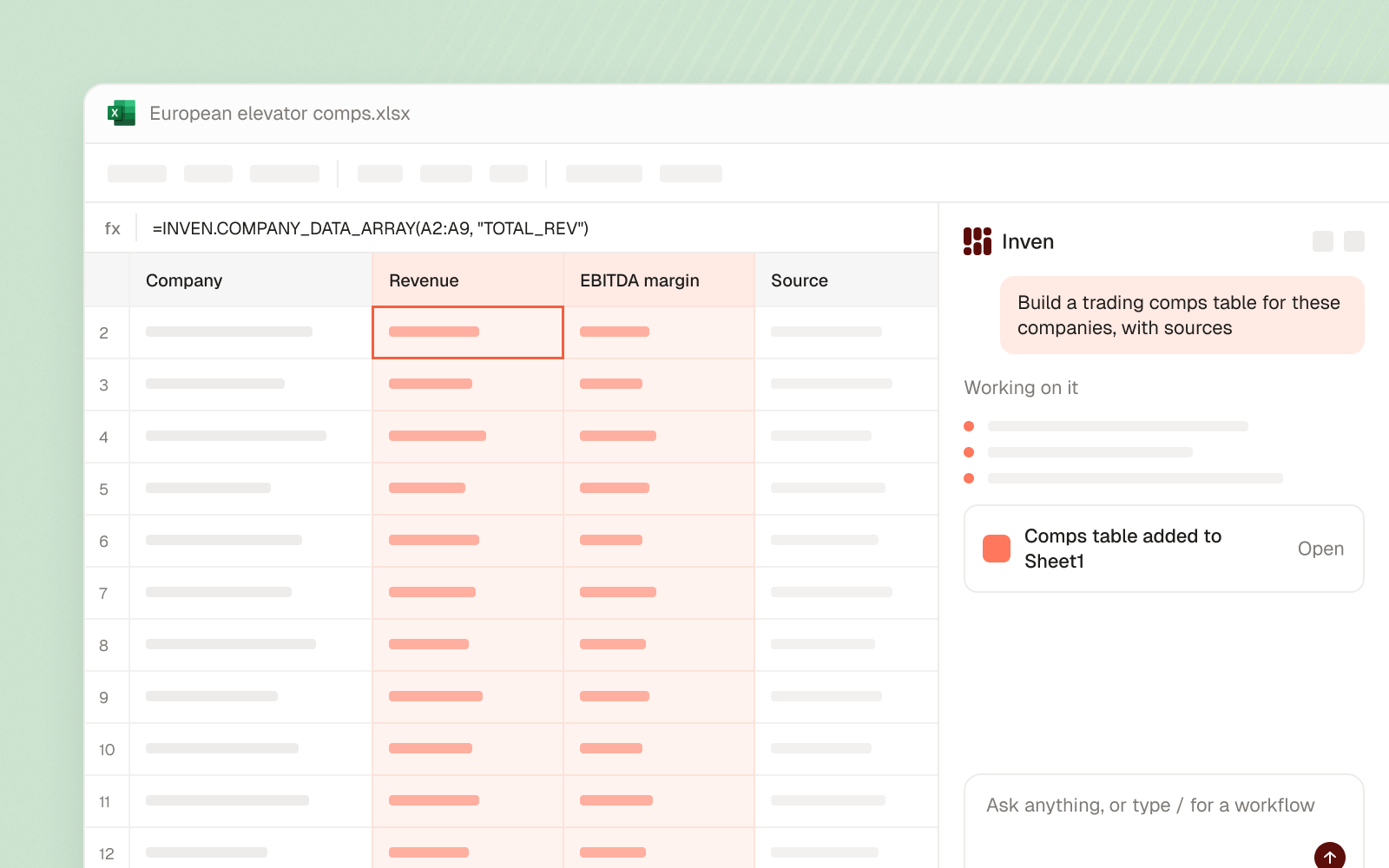
Company data, straight into your model
Pull revenue, headcount or any other Inven data point straight into your spreadsheet, without copy and paste.
See where every number comes from, so you can stand behind what you send.
Ask for a longlist and it lands in your sheet, ready to work with.
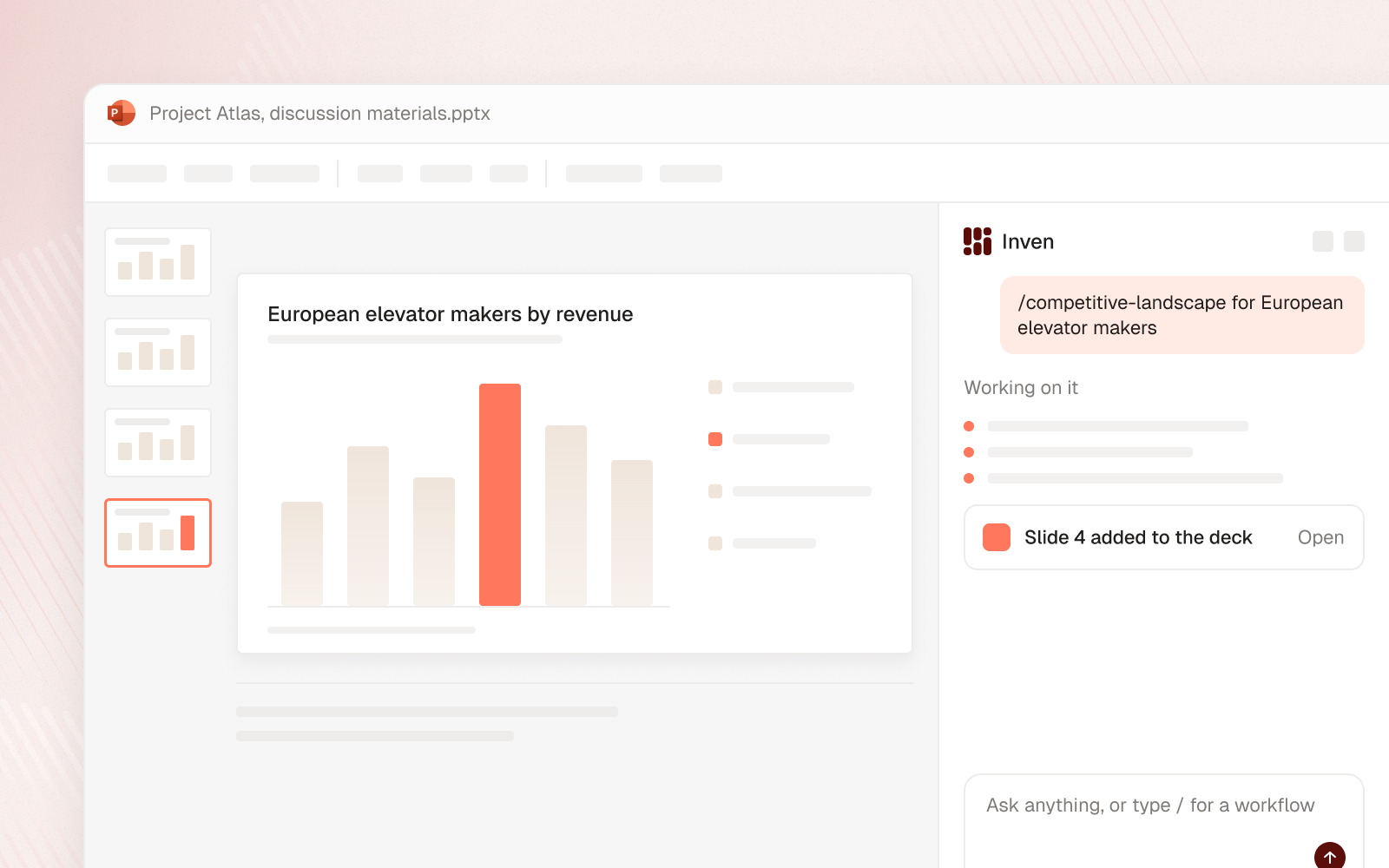
Slides for your next meeting, in your deck
Build company profiles and market maps in the deck you have open.
Turn a saved Inven list into a longlist slide.
Rewrite and tighten slides without leaving PowerPoint.
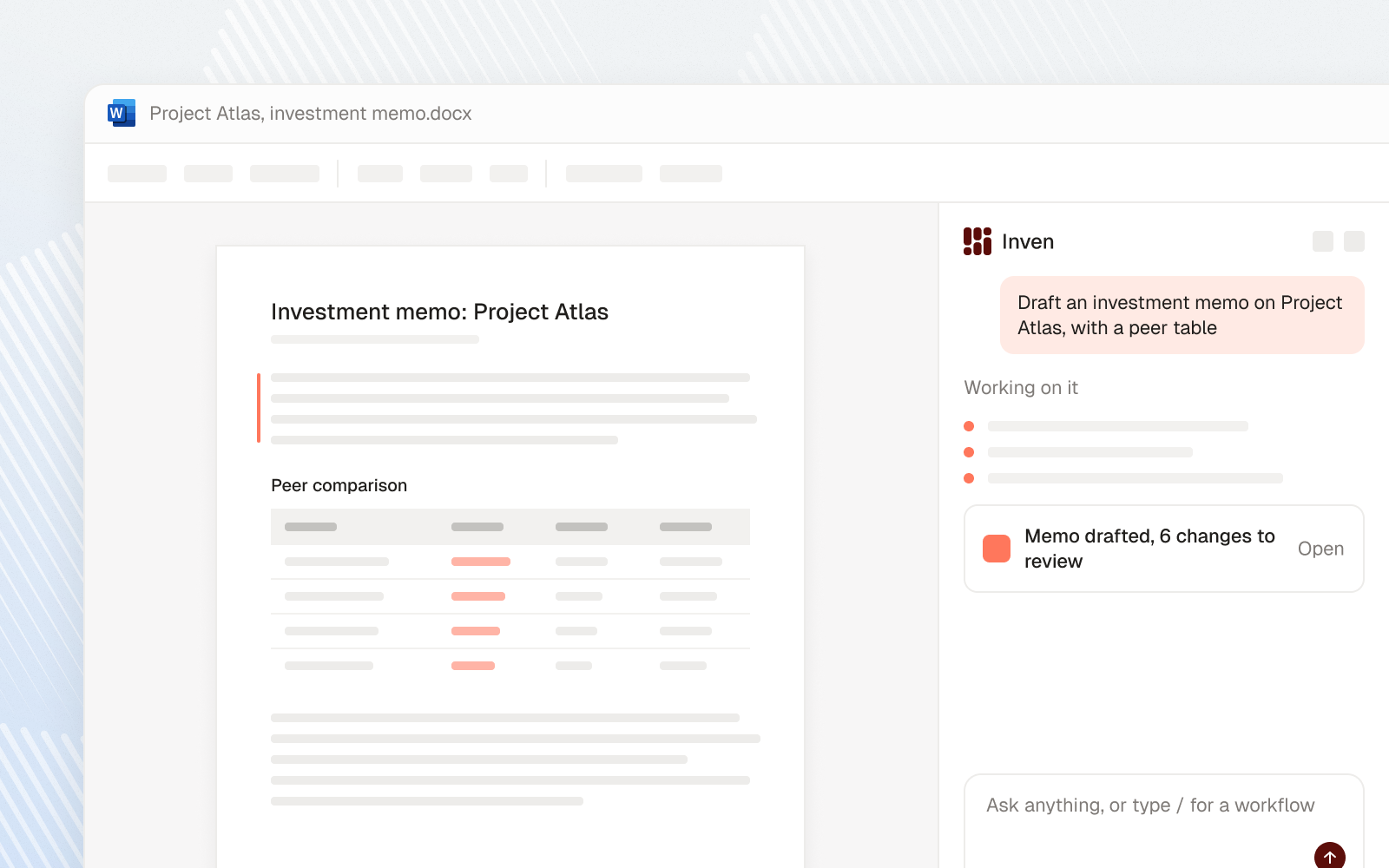
Memos and profiles, drafted in your document
Draft investment memos, company profiles, and tables that follow your document’s styles.
Works with comments and Track Changes, so your review process stays the same.
See every change Inven made, and undo any of them.
Saved workflows
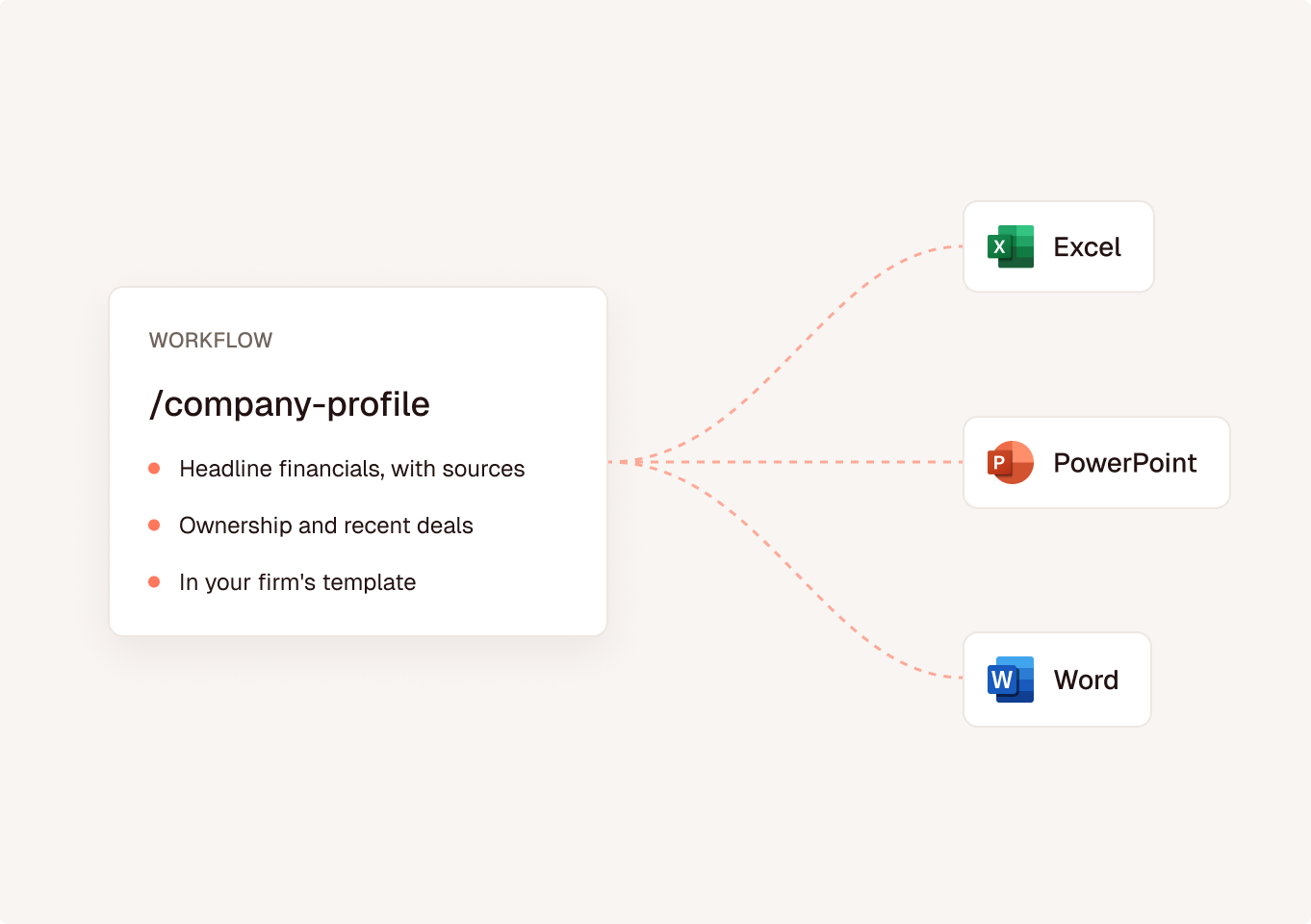
Set it up once in Inven. Run it in Excel, PowerPoint, and Word.
Save the requests your team repeats as workflows: a standard company profile, a market overview, a comps table in your firm's template. Type / in any add-in and every analyst gets the same output. Edit the workflow in Inven and the next run changes, with nobody touching the file.
What teams build with it
The deliverables behind every deal, without leaving your file
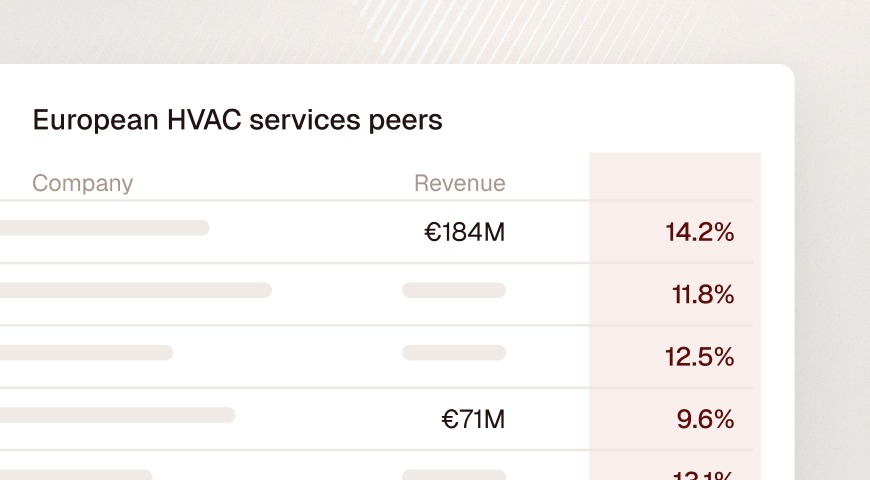
Comps table
“Build a comps table of 15 European HVAC services peers with revenue and EBITDA margin.”
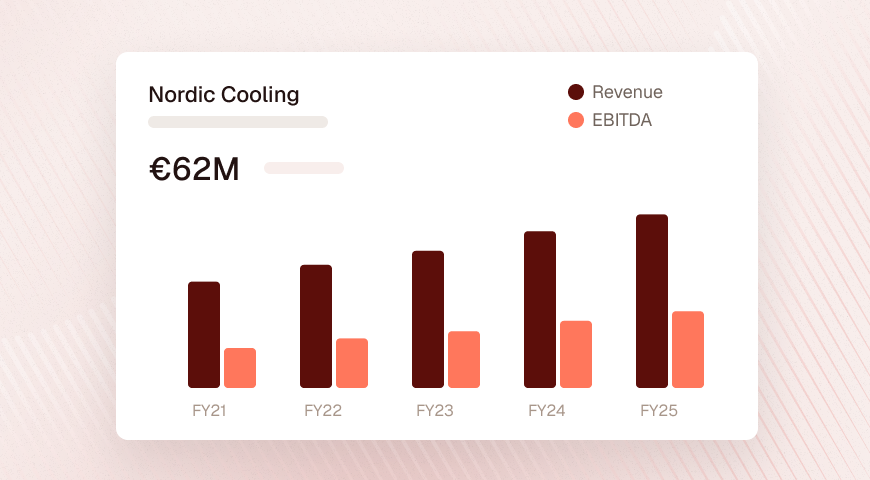
DCF inputs
“Pull five years of revenue and EBITDA for Nordic Cooling into my DCF tab.”
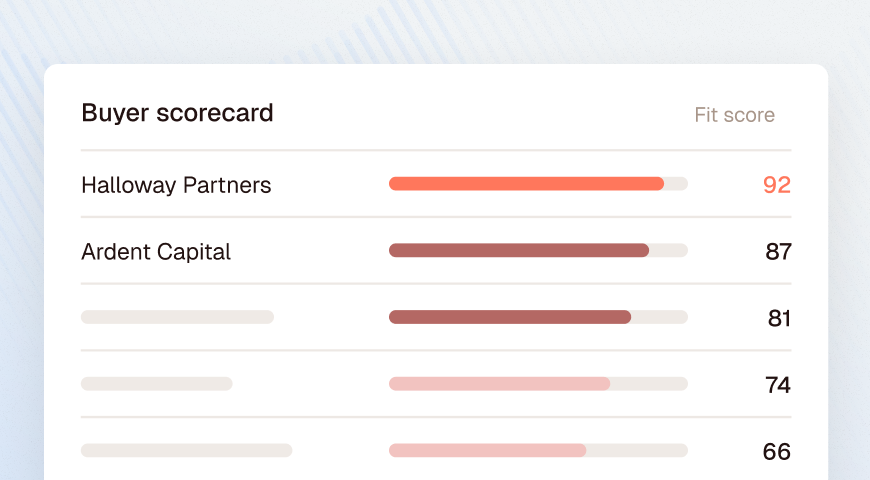
Buyer scorecard
“Score these 40 buyers on fit, size, and recent acquisitions.”
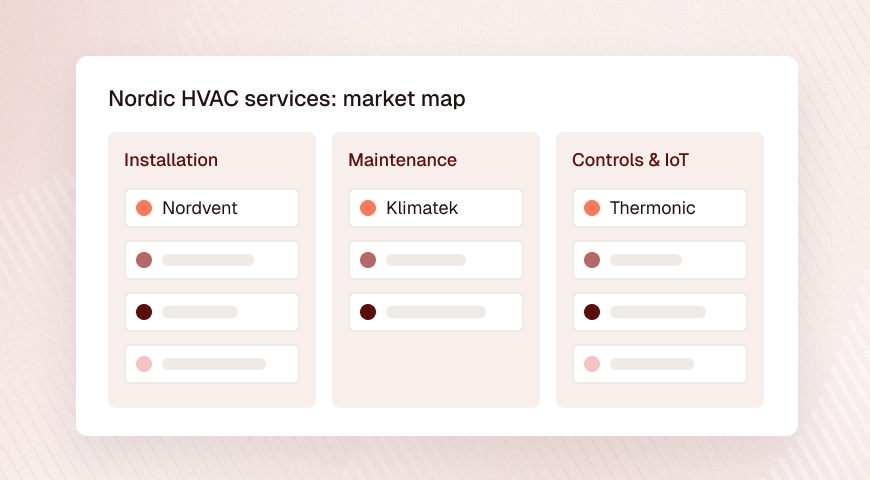
Market map
“Turn my Nordic HVAC targets list into a market map slide.”
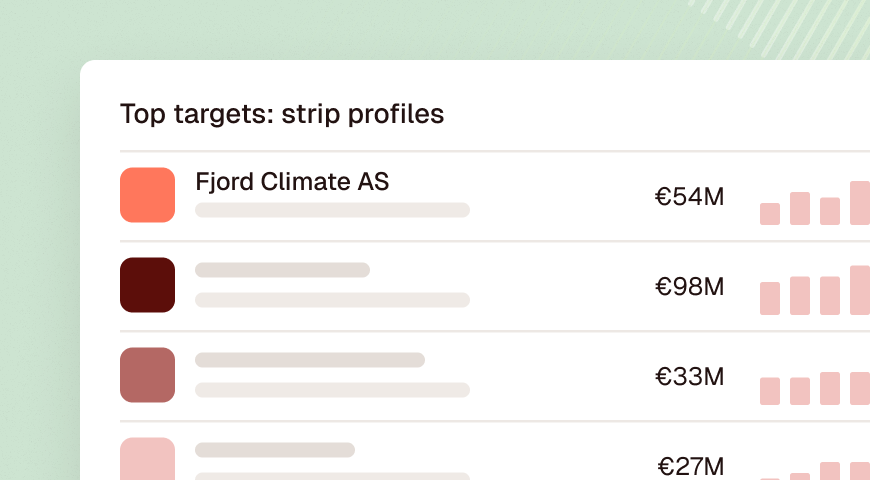
Strip profiles
“Make strip profiles for the top 8 targets in our template.”
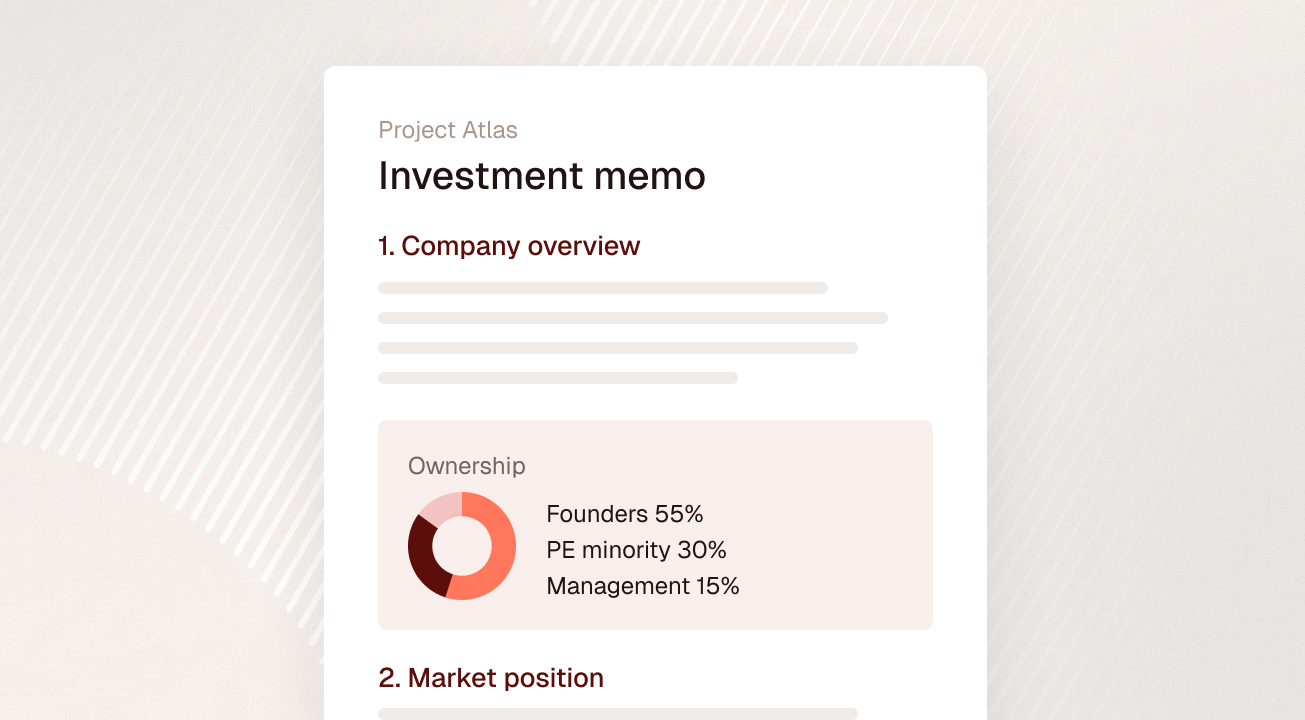
IC memo
“Draft the company overview for the Project Atlas IC memo.”
Also in Microsoft 365 Copilot
Ask the same questions in Copilot Chat, Copilot in Excel, or Researcher with the Inven agent and connector, and combine the answers with your own files.
Set up
Up and running in minutes
All you need is an Inven subscription with the add-ins enabled for your organization.
01
Get the add-in
In Excel, PowerPoint, or Word, go to Home → Add-ins → Get Add-ins and search for Inven. Admins can deploy it to the whole firm from Microsoft 365.
02
Sign in with your Inven account
Sign in from the task pane. No Microsoft credentials are requested.
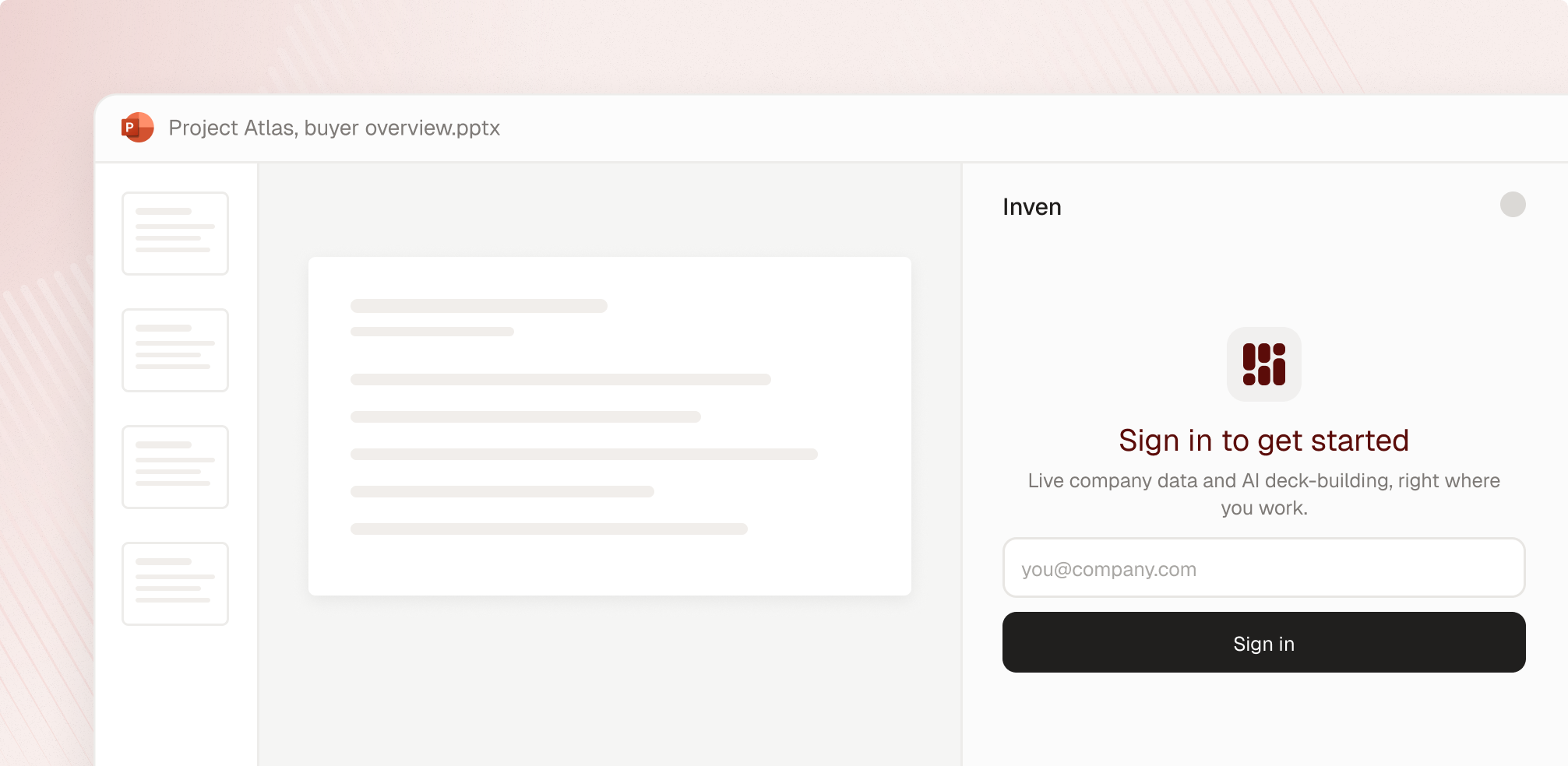
03
Ask, or run a saved workflow
Type a request in the Inven pane, or type / to run one of your team’s workflows.
Stuck? Read the add-in guide or email info@inven.ai.
Your next comps table is already open in Excel
Book a demo to see the Inven add-ins on your own deal work, or get them from Microsoft Marketplace if your firm already uses Inven.
Questions about the Office add-ins
Excel, PowerPoint, and Word, on Windows, Mac, and the web with Microsoft 365. Inven also has an agent and connector for Microsoft 365 Copilot.
Yes. The add-ins connect to an Inven account with the add-ins enabled for your organization. There is no free version or trial inside them.
In Excel, PowerPoint, or Word, go to Home → Add-ins → Get Add-ins and search for Inven, or get them from Microsoft Marketplace. Admins can deploy them to the whole firm.
From Inven’s own data on 65M+ companies. The COMPANY_META function returns the source of each figure, the FX rate applied, and the date it was taken.
The PowerPoint add-in reads the open deck, so what it writes fits the deck it is going into. Saved workflows keep your firm's template for recurring slides.
No. The add-ins edit a file only when you ask. In Word, every change is listed and can be reverted.